

Create a sandbox account
Gaining access to a Sandbox environment to begin testing APIs
Create a sandbox account to test our APIs in a separate testing environment.
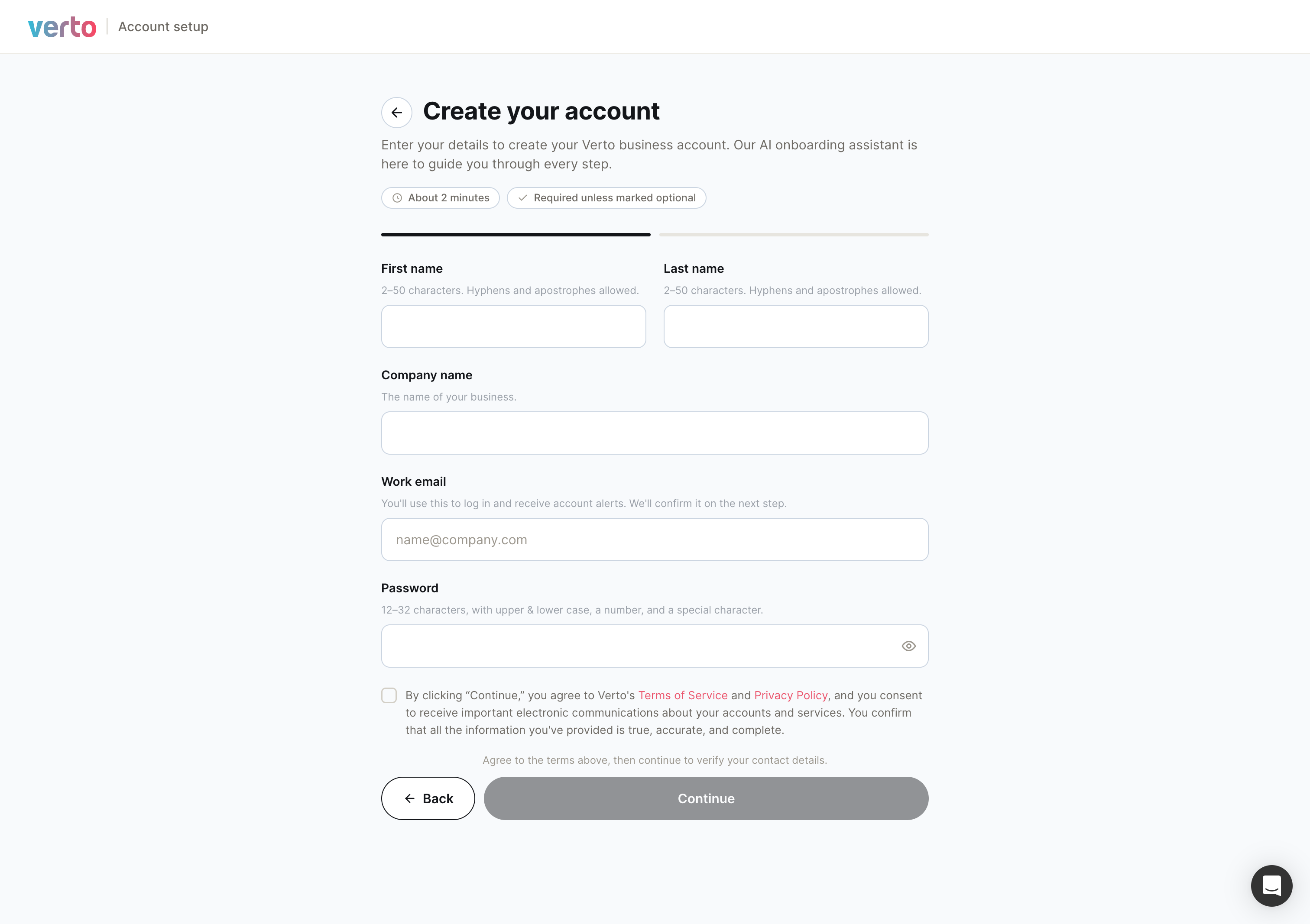
1. Sign up for a sandbox account
Create your account at sandbox.vertofx.com.
2. Get your sandbox credentials
Get your sandbox credentials (the details you use to authenticate API requests) while completing account setup on the production platform (the platform for live transactions).
3. Generate your sandbox API keys
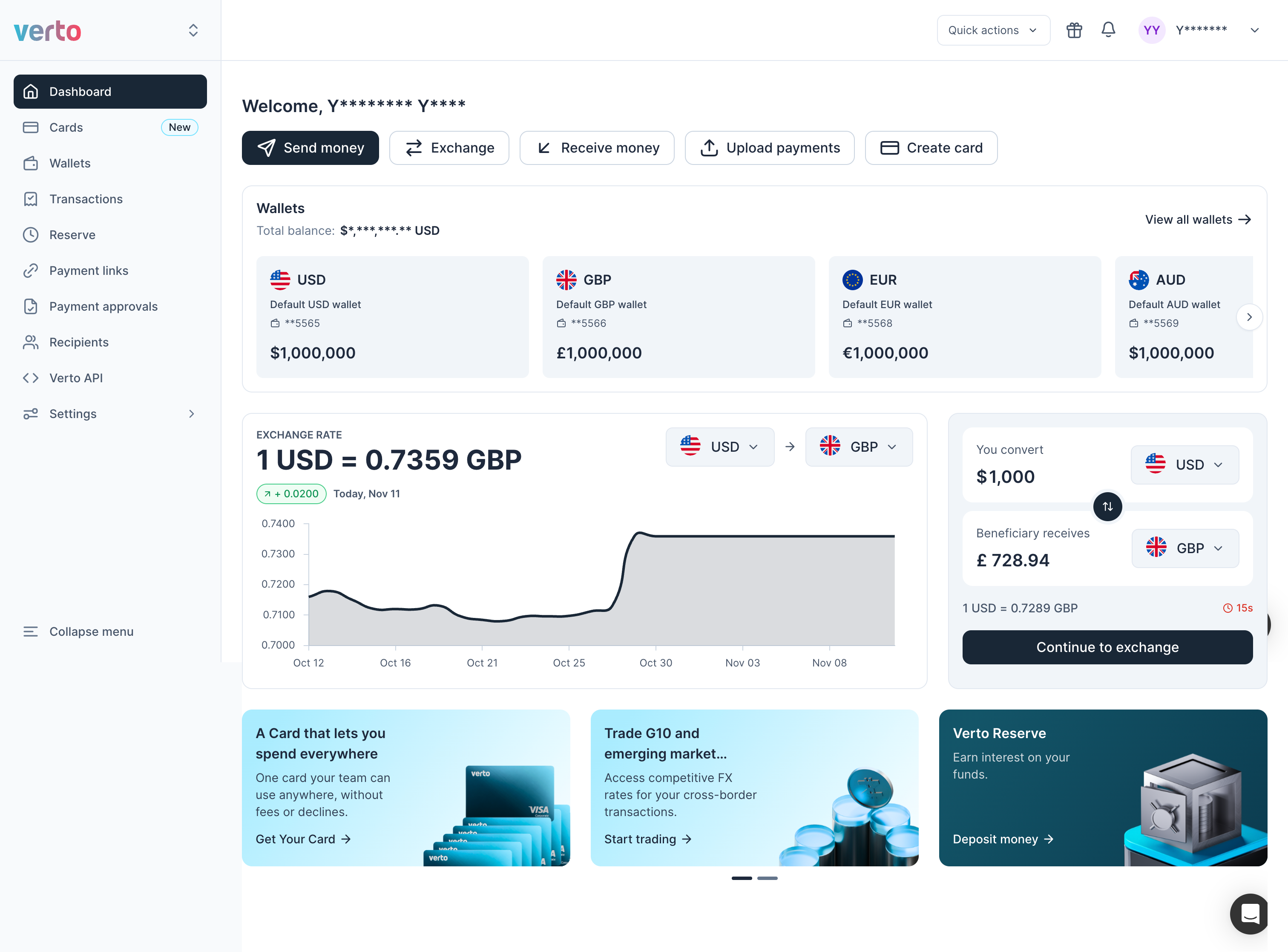
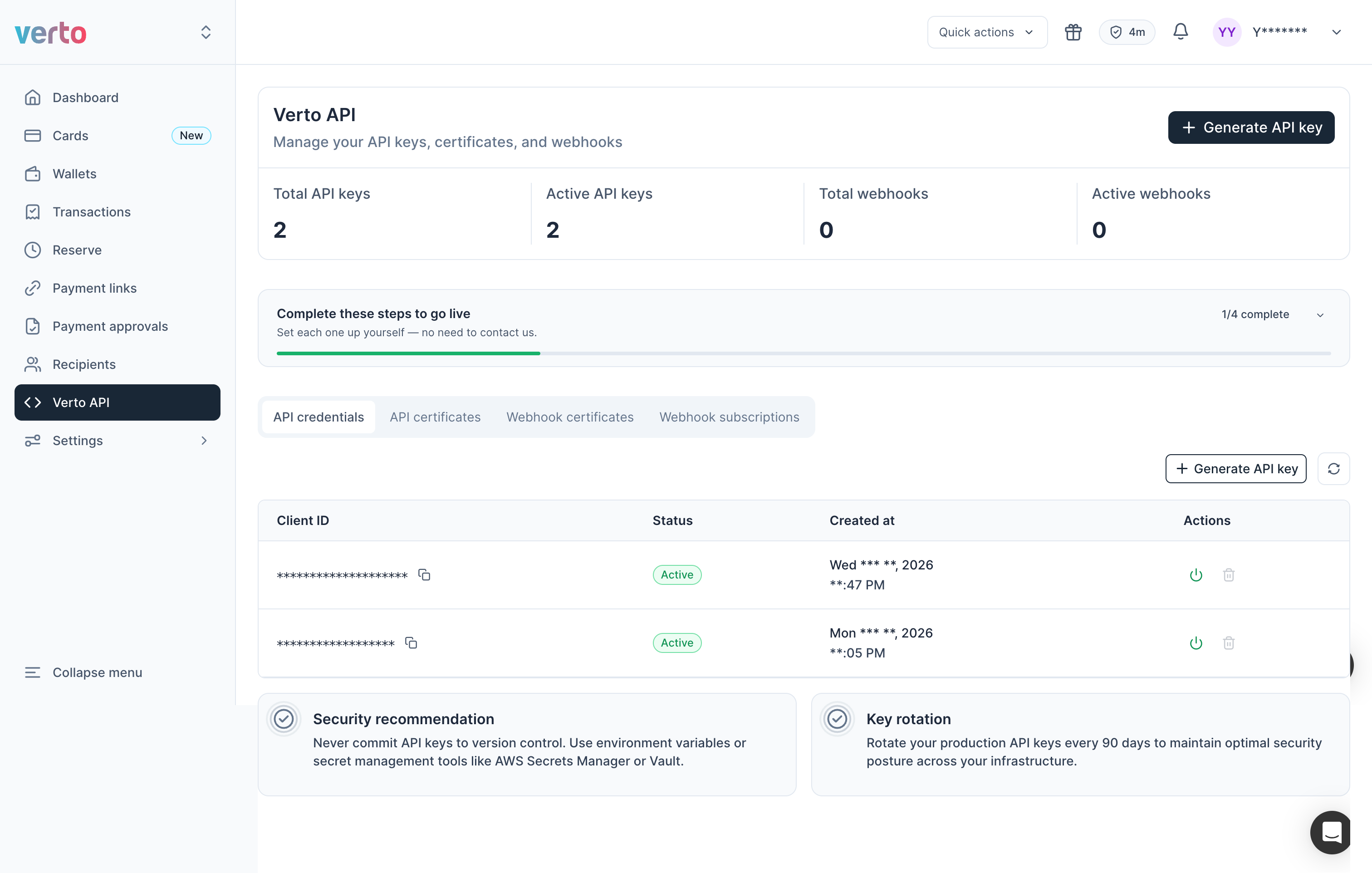
- In your sandbox account, click Verto API in the left menu.
- On the API credentials tab, click Generate API key.
Updated 1 day ago
Did this page help you?