

Retry failed deliveries
Resend one failed event, or every failed event in a date range, once your endpoint is fixed.
Once your endpoint is fixed, you can ask Verto to send failed events again. Both options are on the subscription's detail page (see View delivery logs).
Retry one delivery
- Click Retry on the log row, or
- open the delivery (View) and click Retry delivery at the bottom of the Delivery response panel.
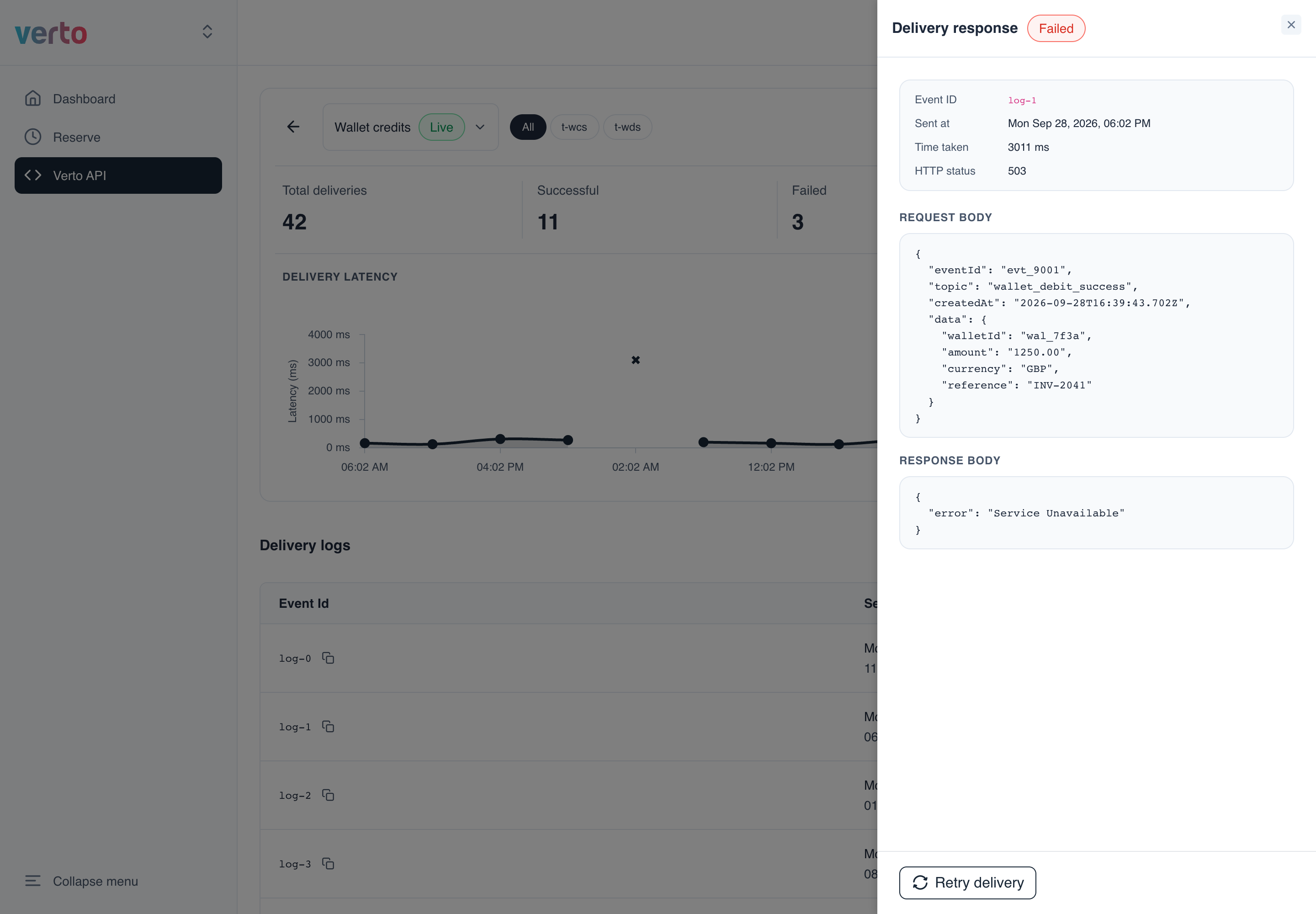
Verto sends that event to your URL again. Click Refresh after a few seconds to see the new attempt in the logs.
Retry many deliveries at once (Bulk retry)
- On the detail page, click Bulk retry.
- Pick the date range:
- From (required) starts 7 days ago. You can go back up to 14 days.
- To (optional) can be left empty to mean "until now". It can't be later than today.
- Click Retry all.
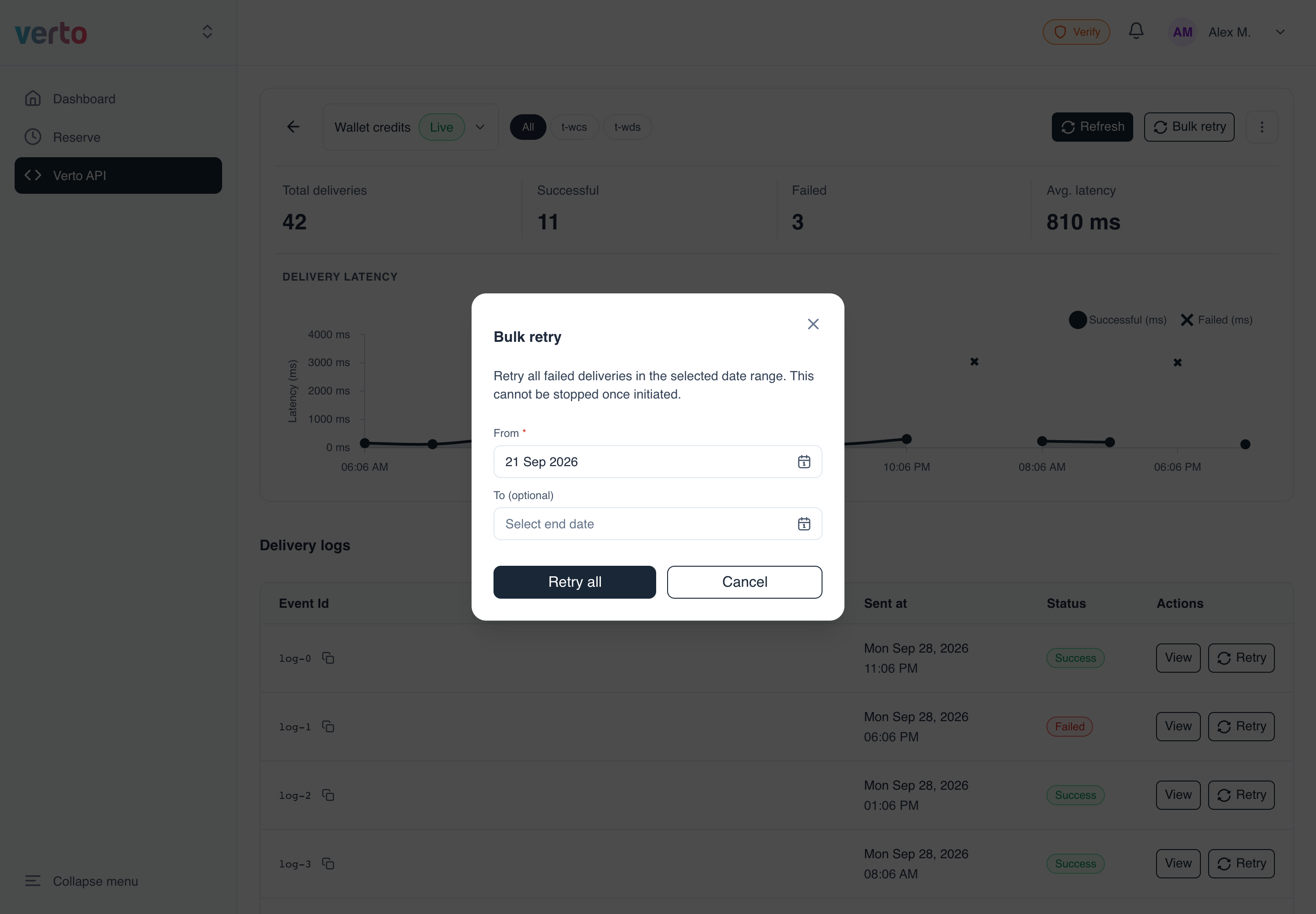
Bulk retry can't be stoppedBulk retry resends every failed delivery in the range and can't be stopped once started. Make sure your endpoint handles duplicates safely: use the event ID to ignore events you've already processed.
The page doesn't refresh on its own after a retry. Click Refresh to see the new attempts.
Updated 14 days ago
Did this page help you?