

Send a test event
Check your endpoint with a sample payload without waiting for a real event.
A test event sends a sample payload to your subscription's URL, so you can check your endpoint without waiting for a real event.
Steps
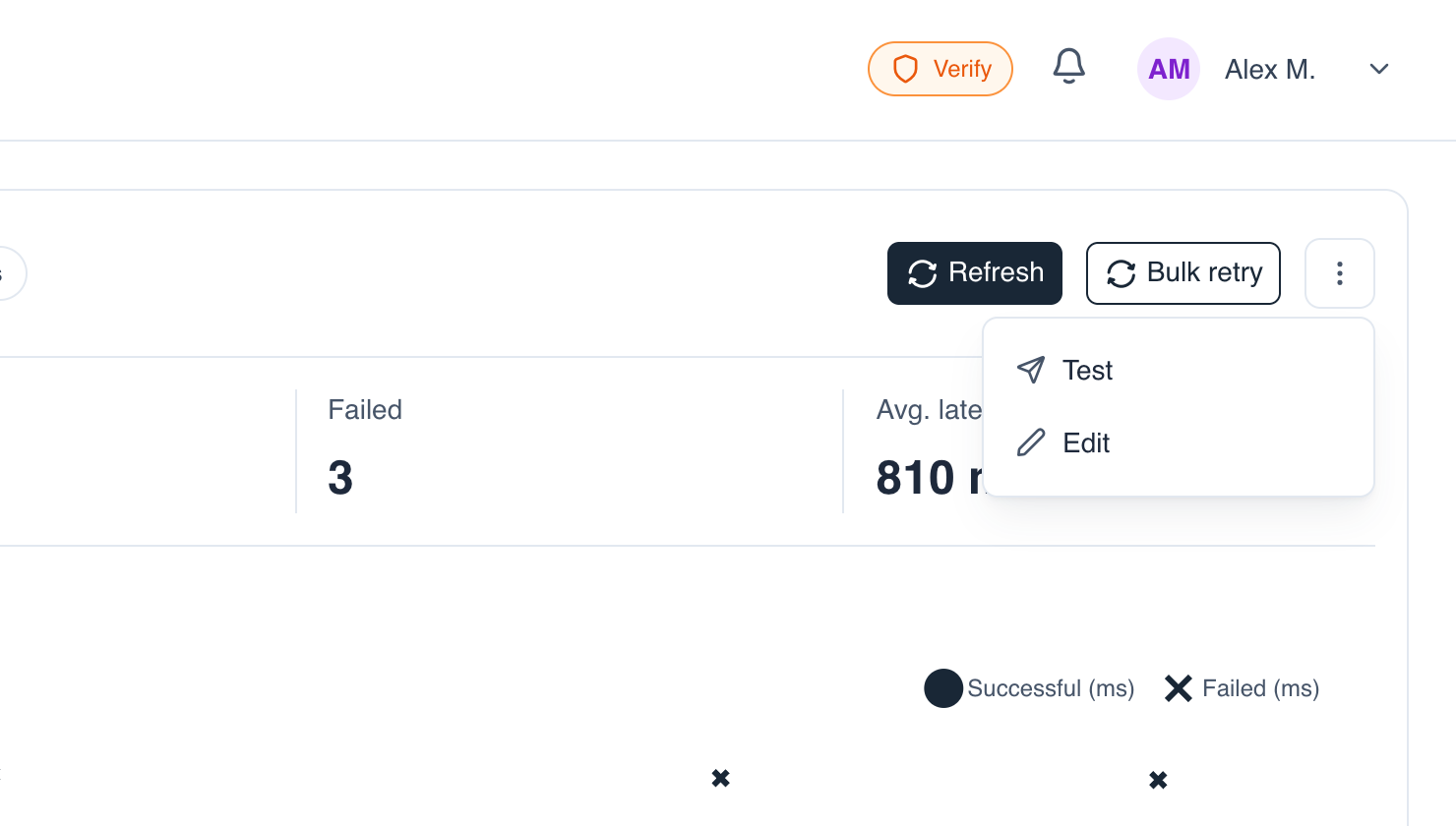
- Open the subscription: click its row in the Webhook subscriptions tab, or choose ⋮ → Test.
- On the detail page, open the ⋮ More actions menu (top right) and choose Test.
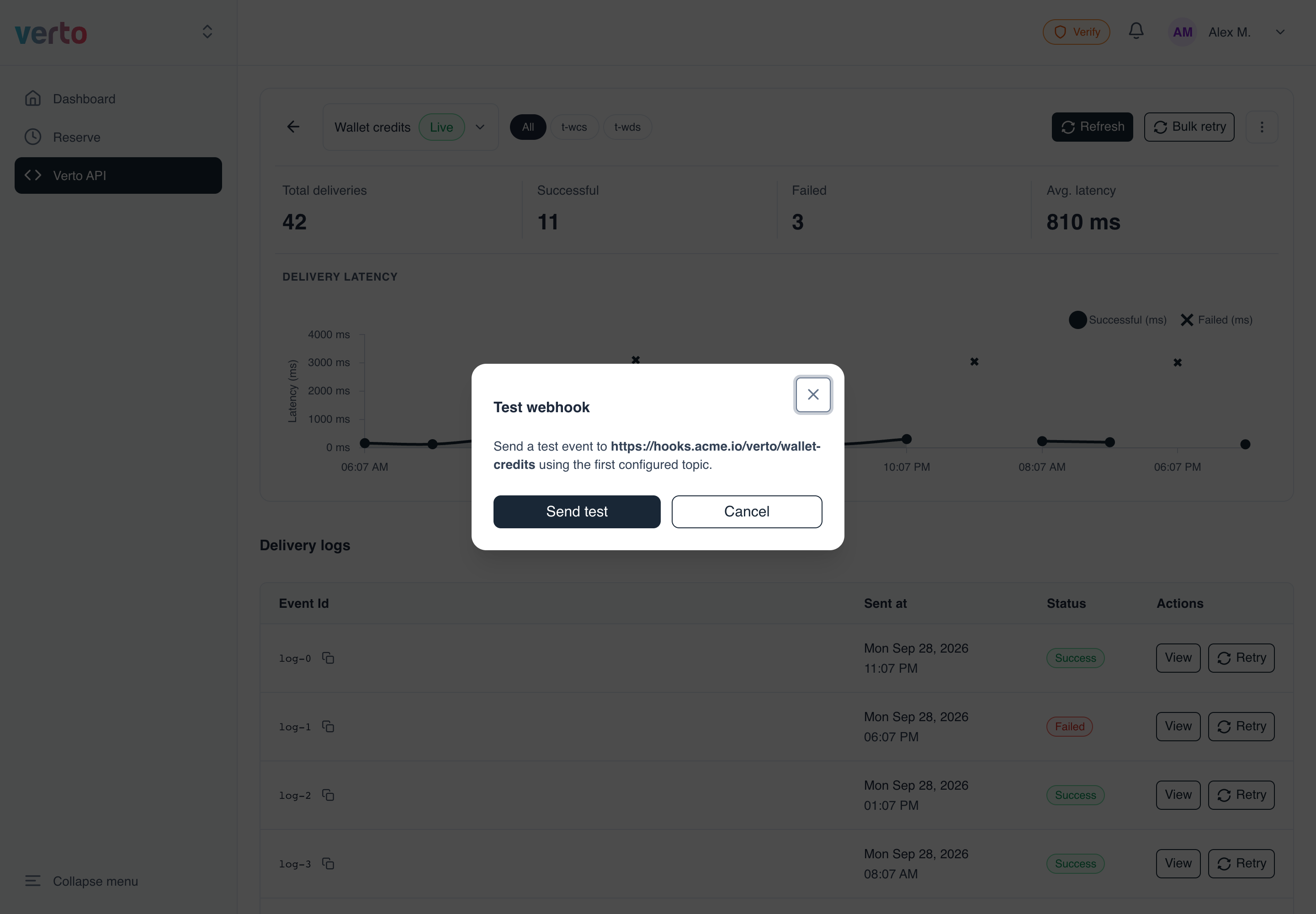
- Check the URL shown in the dialog and click Send test.
-
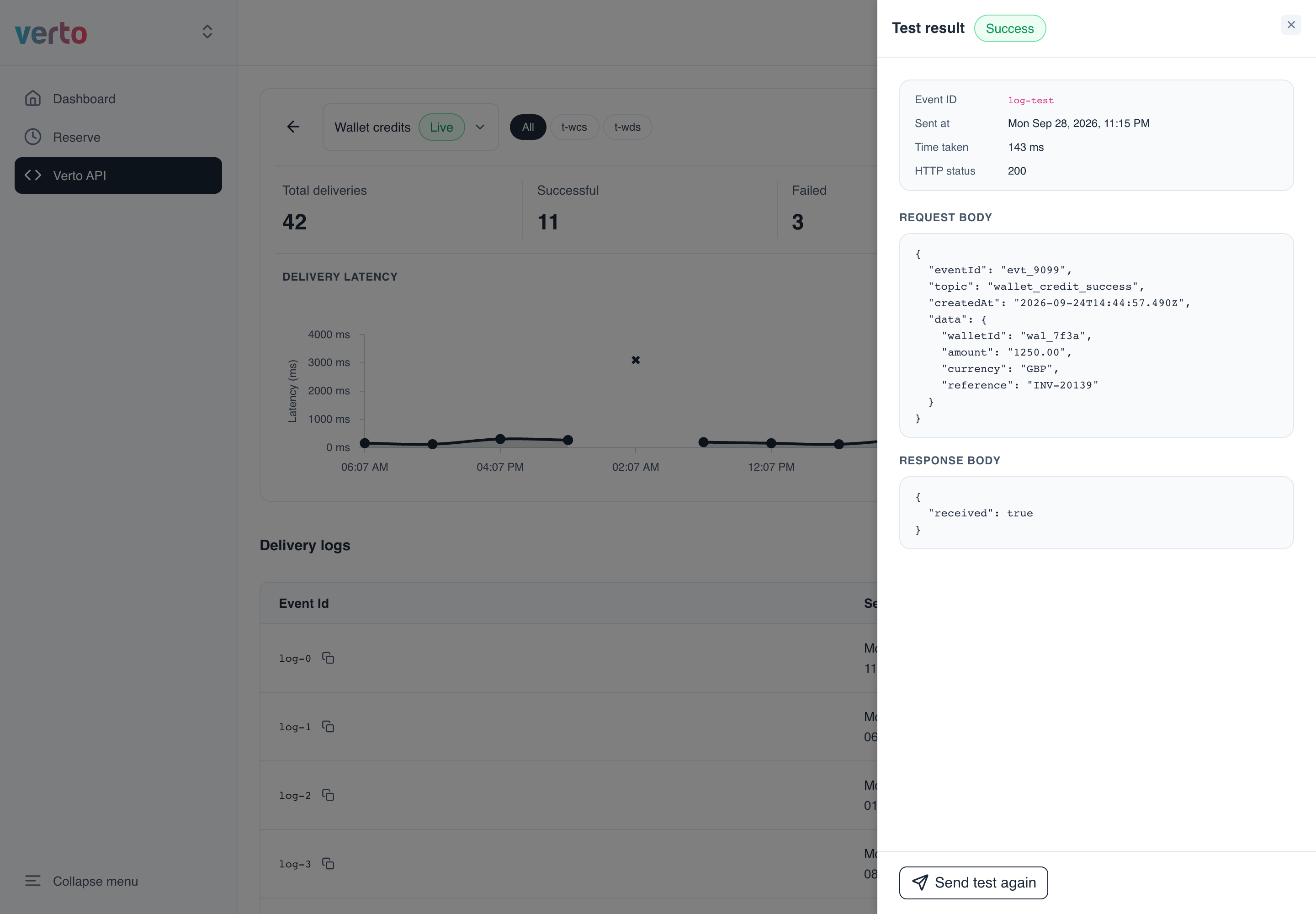
A Test result panel opens. It shows:
- whether the delivery succeeded
- the HTTP status your server returned
- how long it took
- the exact request Verto sent and the response your server gave
Click Send test again to repeat the test.
Which topic is used?The test always uses the subscription's first topic.
Test failed?The error is shown inside the dialog. Check that your URL is public, uses a valid TLS certificate, and returns a
2xxstatus. See Webhooks troubleshooting.
Updated 14 days ago
Did this page help you?